> For the complete documentation index, see [llms.txt](https://docs.freedomfactory.io/llms.txt). Markdown versions of documentation pages are available by appending `.md` to page URLs; this page is available as [Markdown](https://docs.freedomfactory.io/docs/setup-your-dgen1/how-to-update-your-dgen1.md).
# How to update your dGEN1
Your guide to over-the-air (OTA) updates
We will periodically release new Software updates to ethOS v4 on your dGEN1. These updates will come in the form of an over-the-air or OTA update, meaning that they will be downloaded to your device automatically when you're connected to the wifi, however, you will be able to choose whether to install it or not.
On your device, in the notifications center, you should see this notification:
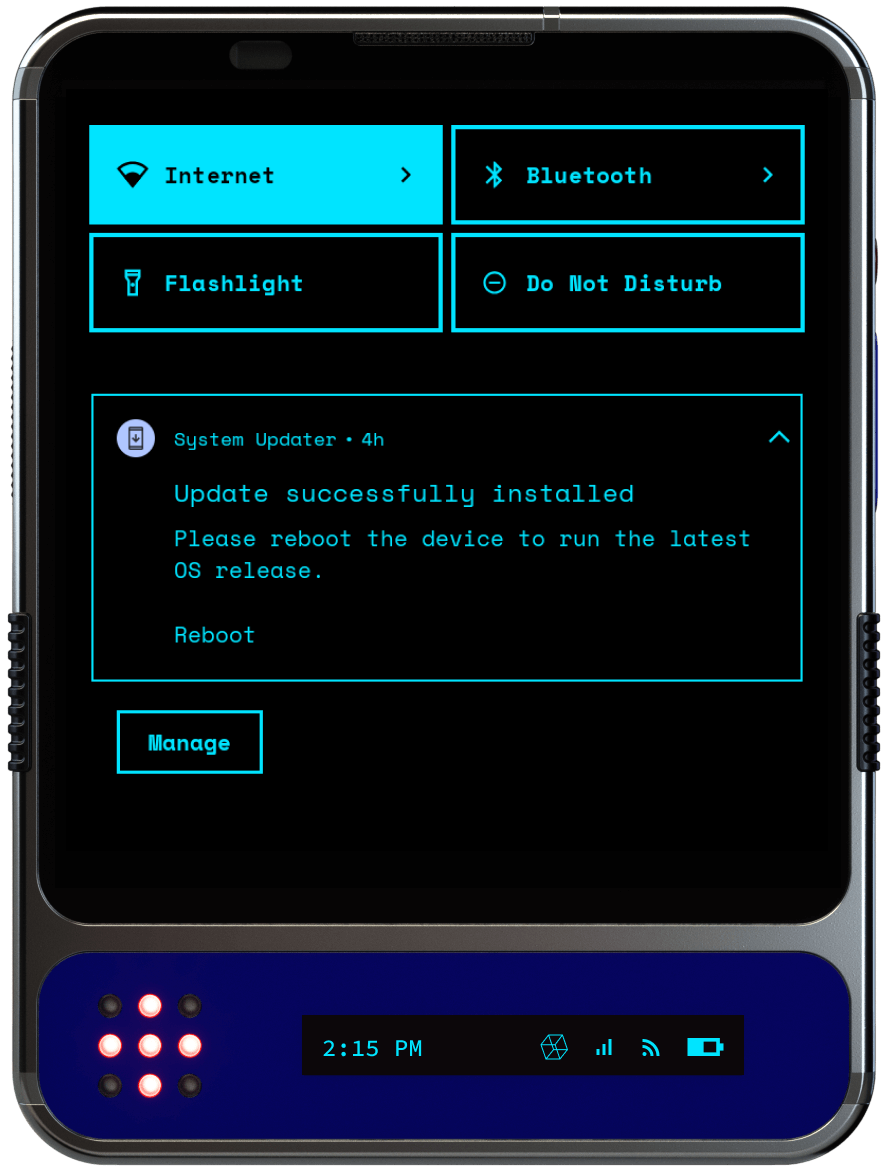
That notification means the device has downloaded the newest OTA, but has not yet installed it. You can dismiss it if you don't wish to update, but if you want the newest software, click reboot.
***
## Manual System Update Guide
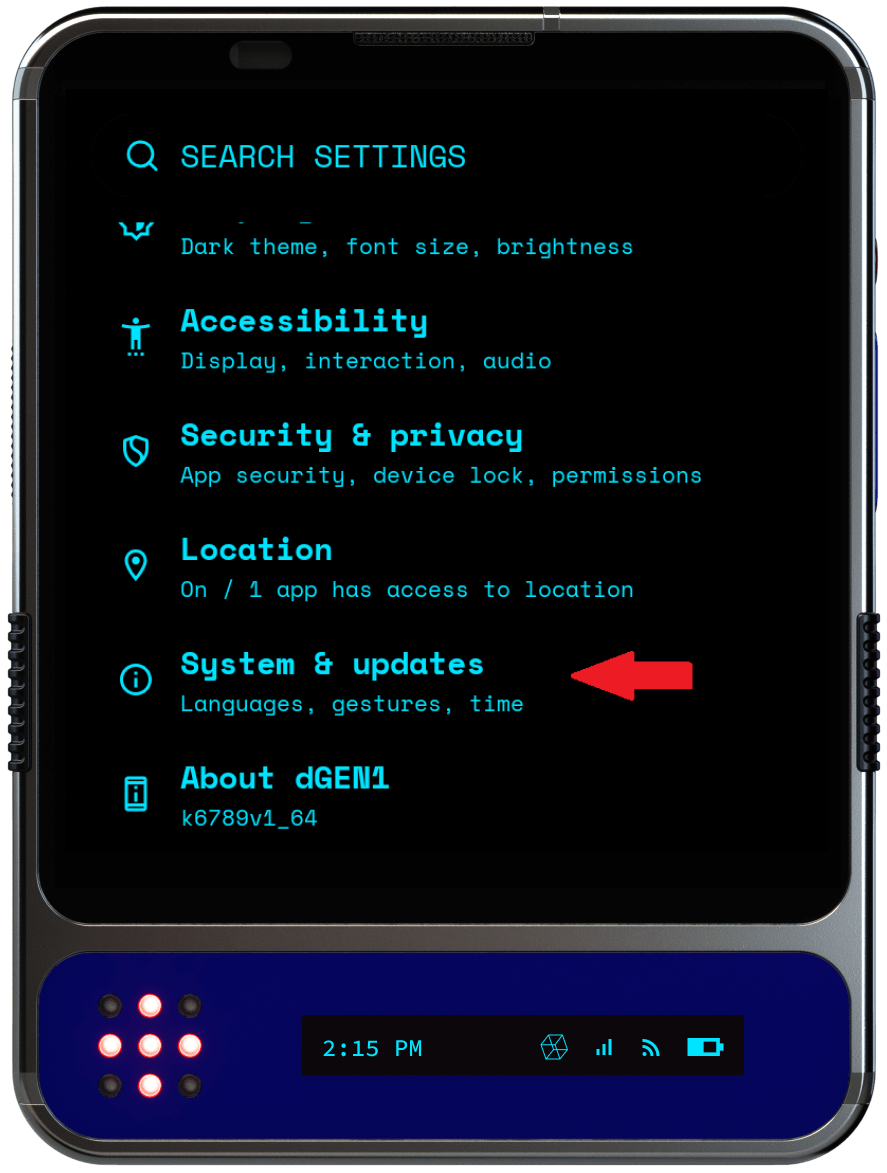
* Open the "SETTINGS" app
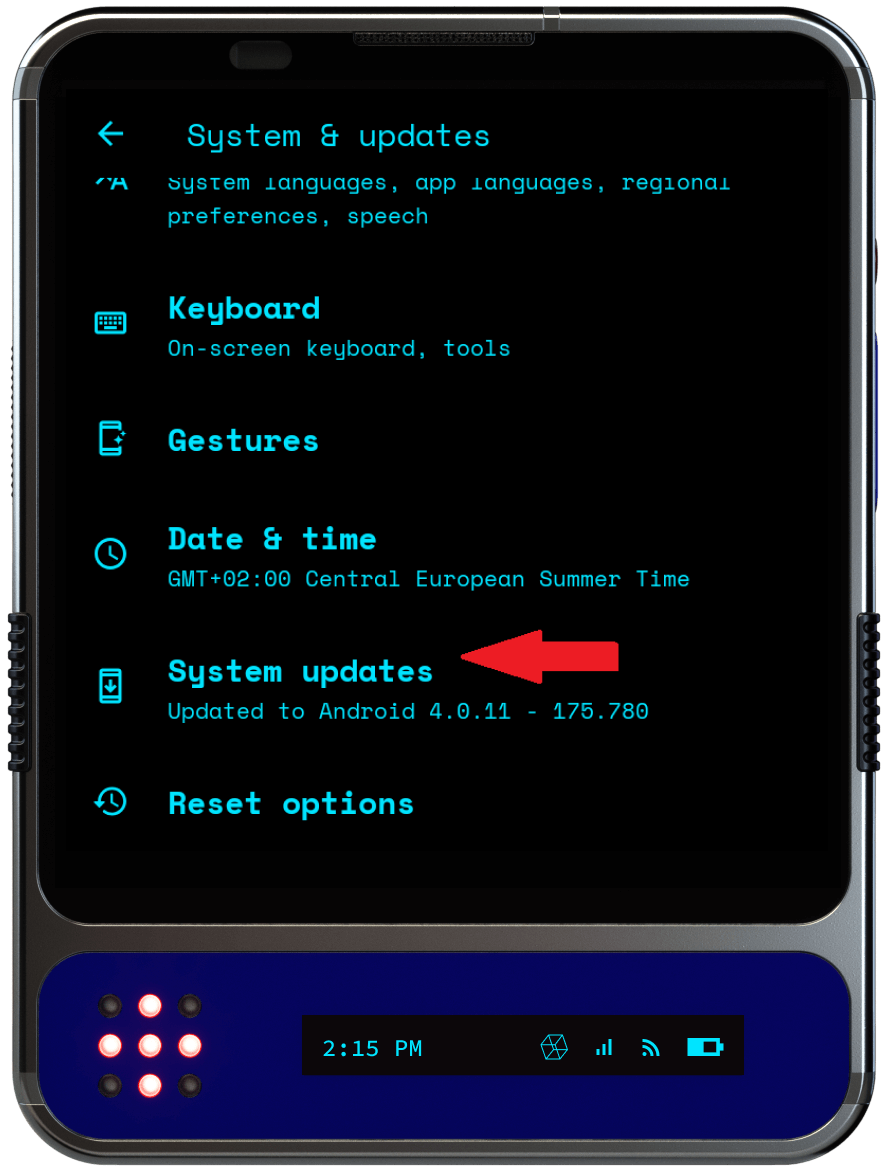
* Navigate down until you see the "**System & Updates**" and select it
* Navigate down until you see "**System Updates**" item and select it
* (Optional) Select a **release channel**:
* Stable (recommended): best for most users
* Other channels may include features still in development. Proceed at your own risk.
* Tap **Check for updates**.
* A small confirmation message (toast) will appear.
* If an update is found, a **notification** will appear at the top of the screen.
* (optional) Swipe down to expand the status bar and monitor download and installation progress.
* Once the update is finished, restart your device to apply it.
Downloading and applying an update can take up to multiple hours depending on your internet connection. We highly suggest to allow fer extra time for updates to process.
The OS checks for new OTA updates once every 6 hours, so you can always be sure to have the latest software versions.
## FAQ
#### Q: The system is giving me an "update could not be located" error. What should I do?
You're probably on the beta release channel. Currently it's not in use. Switch to Stable or Alpha (not recommended) and try again
#### Q: Do updates take long to install?
Some of the earlier updates where not distributed as differential updates, making them much larger and slower to apply.\
Since we can’t reliably know which version your device is currently running, we always recommend allowing extra time for the update process. If the dGEN1 confirms that the update was applied successfully, you don’t need to wait any longer.